This post is about using SAS HDDs in a homelab environment.
SAS vs SATA
The actual difference between SAS and and SATA are beyond the scope of this post, but the key info here is that you can use SATA drives with a SAS controller, but you cannot use SAS drives with a SATA controller.
I run a Supermicro X8DTL-6F as my NAS, running TrueNas Core 13, and the X8DTL-6F has a SAS2008 controller running in IT mode. This is a hybrid controller where the SAS data ports are implemented as individual SATA-type data sockets rather than a SAS connector. However, the key point here is that it is still a SAS controller and so it can use SAS HDDs
However, in order to do so, you need a SAS to SATA adapter for each SAS HDD.
Choosing the right SAS to SATA adapter
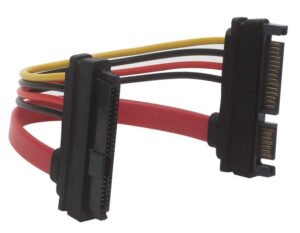
Multibao SFF-8482 SAS to SATA
I have two Dell Seagate Enterprise ST4000NM0023 4TB SAS HDDs
Being SAS drives, they have SFF-8482 SAS 29-pin connectors rather than SATA connectors, and for use on a hybrid SAS controller like mine I need an adapter.
Initially for each HDD I used one of these SFF-8482 SAS 29-pin to SATA 22-pin converters by Multibao, onto which I attached a standard SATA data cable.
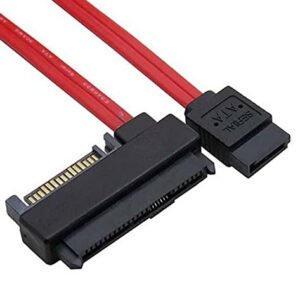
SFF-8482 SAS to SATA
This resulted in loads of SAS non-medium errors. The reason for this is that standard SATA data cables don’t have sufficient shielding and also these adapters introduce an additional physical connection which can degrade the signal.
I found that a superior solution was to use an adapter with an integral data cable. Not only does this eliminate the additional connection but generally these adapters use a SAS-grade data cable with the required extra shielding.
Once installed. no further non-medium errors occurred for me.
That was the first gotcha.
The 3.3v issue
I recently bought a Dell Seagate ST6000NM0034 6TB SAS HDD and it simply didn’t work on my system, and I sent it back for a refund saying it was DoA. Then I bought another and had the same issue and got a refund on that one too.
Then I did some research and I realised I was experiencing the 3.3V issue.
Starting with SAS-3 and SATA 3.3 specifications, the third pin (Pin 3) on the 15-pin power connector was repurposed. Instead of supplying +3.3V power as it historically did, it is now used as a Power Disable (PWDIS) pin. This means that if you connect it to standard SATA power then the drive interprets the 3.3V on pin 3 as a hard reset/power-down command. The drive enters a continuous initialisation loop and fails to spin up.
You will likely think the HDD is DoA and send it back. I did.
However, what needs to be done is to inhibit pin 3. Or, since many connectors bridge pins 1-3, preferably inhibit all 3 of the 3.3v pins. The HDDs don’t actually need 3.3v so this is entirely fine.
There are many solutions mentioned on the internet. Some say to blank the pins off with insulation tape or nail varnish. Others say to snip off the 3.3v line of your power cable (drastic!). Others talk about physically removing the 3.3v copper traces on your SAS to SATA adapter. Others say to use a SATA to MOLEX adapter since MOLEX does not implement the 3.3v line, and then connect that to a MOLEX power chain.
On my NAS my Corsair RM850x only has 3 outputs for peripheral pigtails and I use three SATA pigtails with 4x SATA connectors each and I need them. I do not have the capacity to add a MOLEX pigtail.
It occurred to me that if the MOLEX trick works due to the fact that MOLEX does not have a 3.3v line then all I needed for a SATA-only solution was a SATA extension cable with discrete wires and then physically remove the 3.3v wire.
There are plenty of such cables to choose from, from such people as Kenable and Cable Matters, but I went for a 3-pack from Cable Matters.
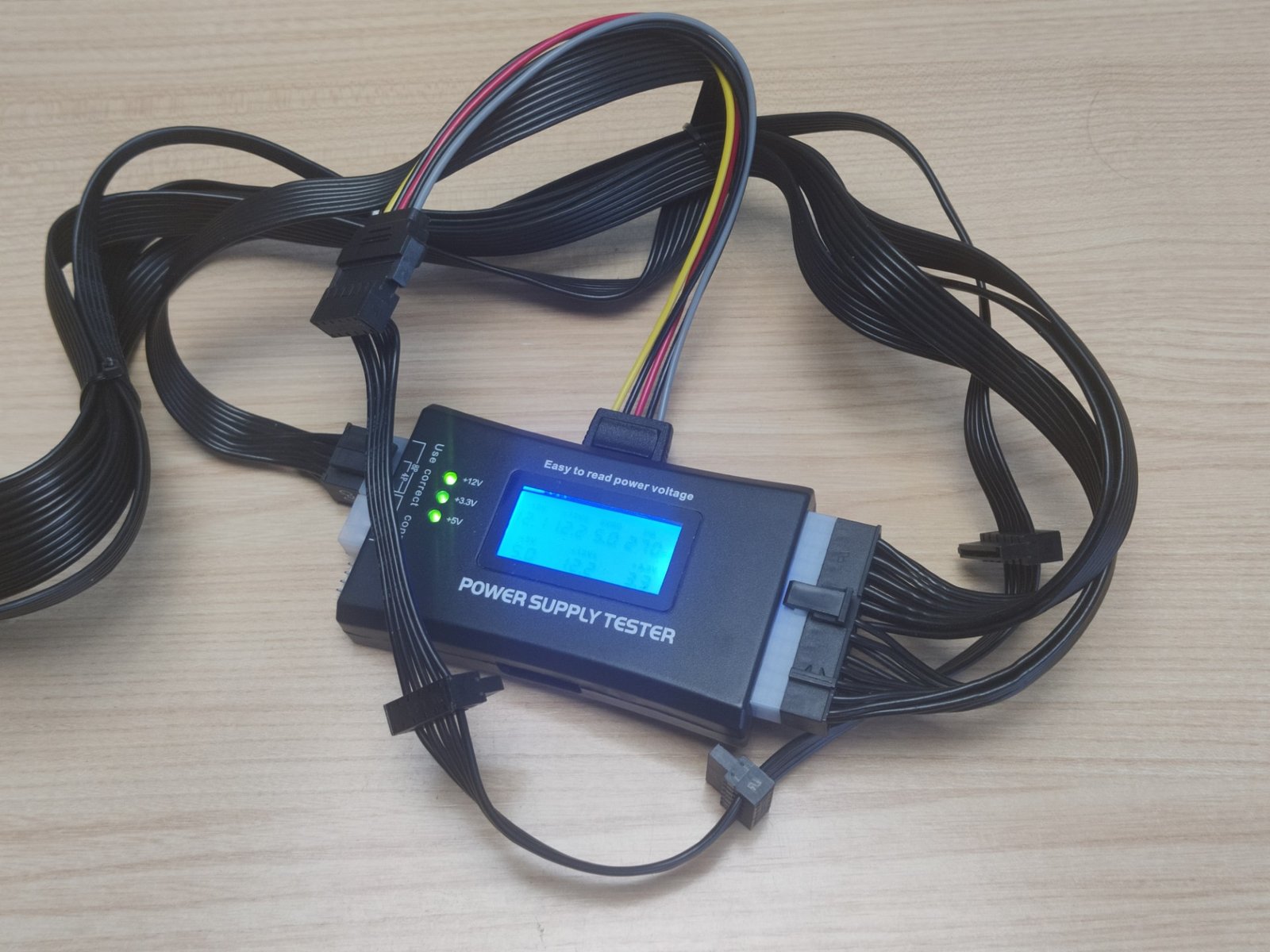
As you can see, when connected to my PSU tester, the +12v, +3.3V. and +5V LEDs are all lit.
Identify the 3.3v line (it is the one closest to the L-shaped side of the SATA connector). The industry standard colour for this is orange, but on some adapters like this one it is grey.
Simply cut off that cable flush at both ends, and you have a SATA adapter that isolates the 3.3v line.
It’s a good idea to insulate the cut wire at the plug end (the end that plugs into the power socket) with liquid electrical tape, Sugru, or nail varnish, as this will be live. It’s not strictly necessary, though. At the very least make sure you have cut it off flush with sharp snips and there are no strands protruding, and that you do not touch it when it is live.
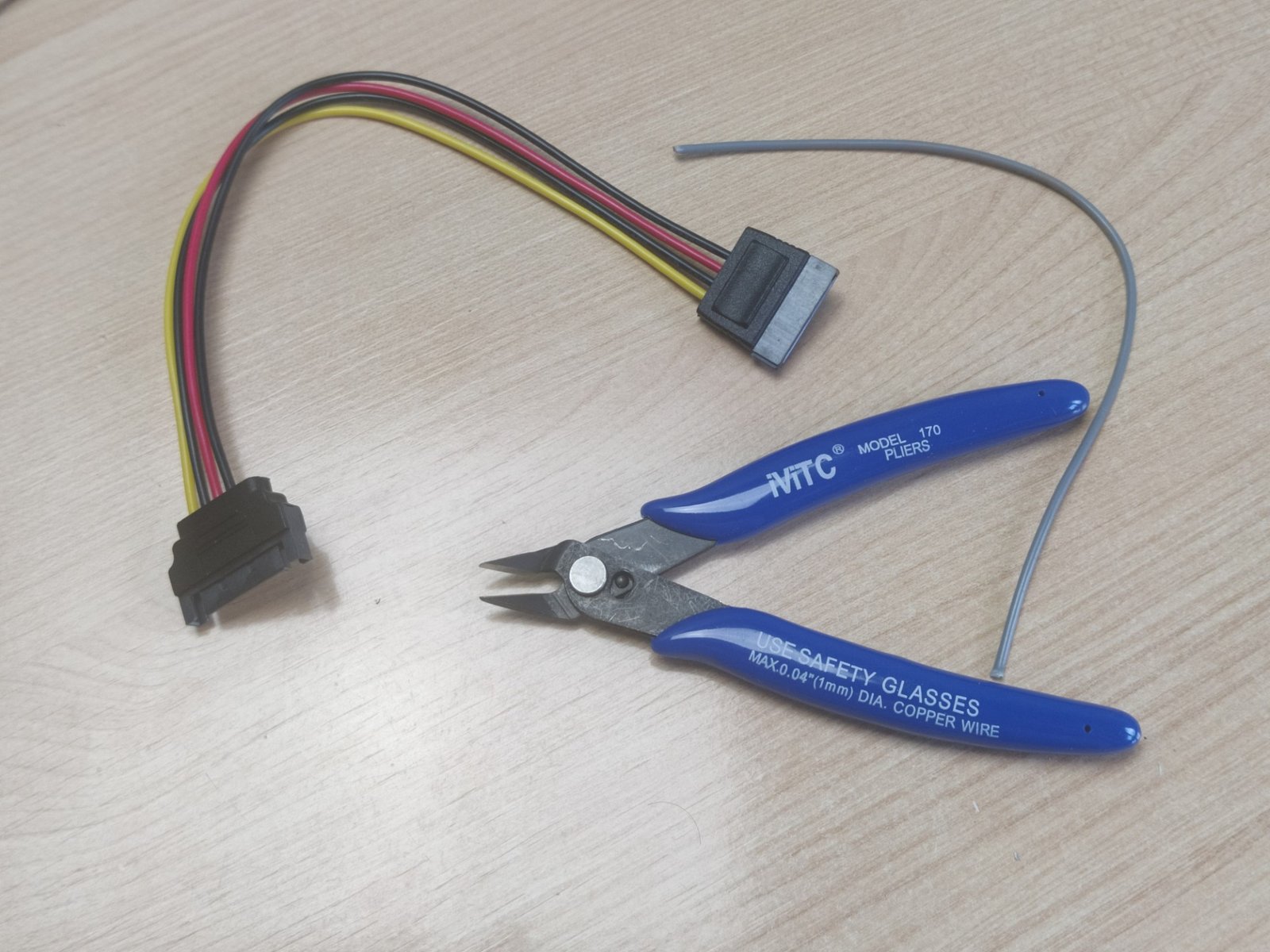
Now that the 3.3v line has been physically removed, the +3.3v LED obviously no longer illuminates
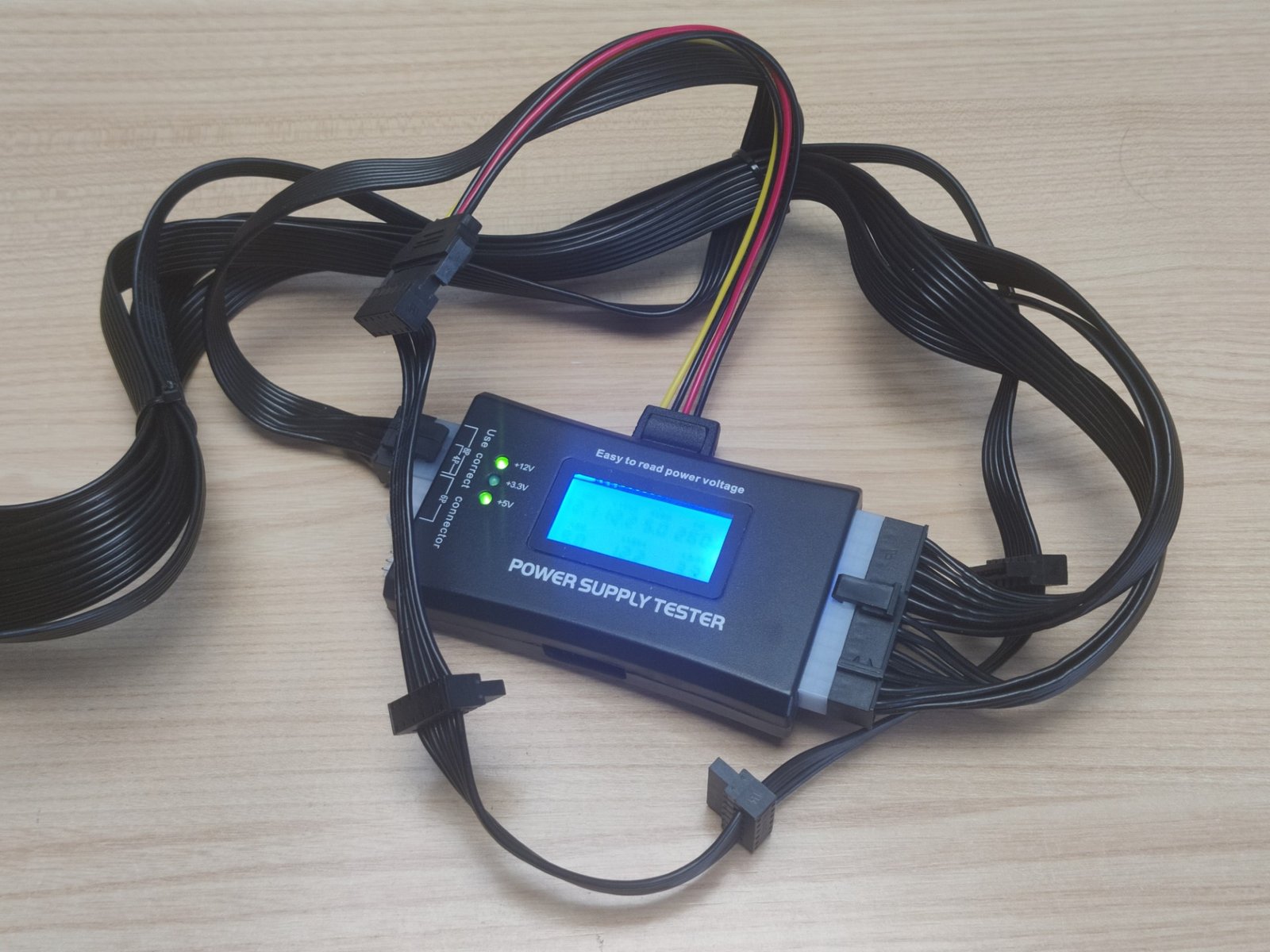
The extension has now been converted into an inline adapter which non-destructively & reversibly solves the 3.3v power issue.
Do you actually ever need 3.3v?
Having said all the above, my research has shown that no SATA or SAS drive has ever actually used 3.3v which is why MOLEX to SATA power connectors have always worked. It appears to be a legacy feature that nobody, to my knowledge, ever made use of. Although, of course, that doesn’t rule out the possibility that someone did.
It would therefore actually be entirely acceptable to perform the 3.3v wire delete directly on the PSU pigtail if you didn’t want to mess around with adapters and the like.
I was not aware of this when I wrote the article and it rather renders much of the article unnecessary. No matter.
