As part of my little business buying and selling old graphics cards, I have been using a Gigabyte GA-Z77M-D3H motherboard as my testbed, on an open case, which has been very dependable. The Z77 chipset (LGA1155) is ideal for what I do as it was the last chipset to support Windows XP and was the first to support Windows 10. Given the age of some of the cards I sell, showing them working on Windows XP is very important.
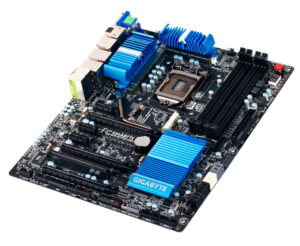
credit: Gigabyte
I had the opportunity to buy a more up-market Gigabyte GA-Z77X-UD5H motherboard, which came with a top of the range Core i7-3770K, and at a good price. So I bought it.
I already had 16Gb of Patriot Viper 3 DDR3 RAM in stock, which was ideal.
It seemed far too nice to use in the testbed, though, so I decided to make a period-correct 2012 PC from it. And I decided that, unlike my “2016-ish” X99 PC build this one was going to be dead-on 2012.
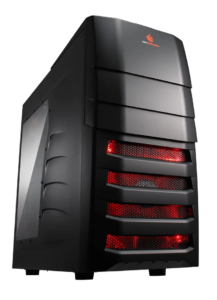
credit: Cooler Master
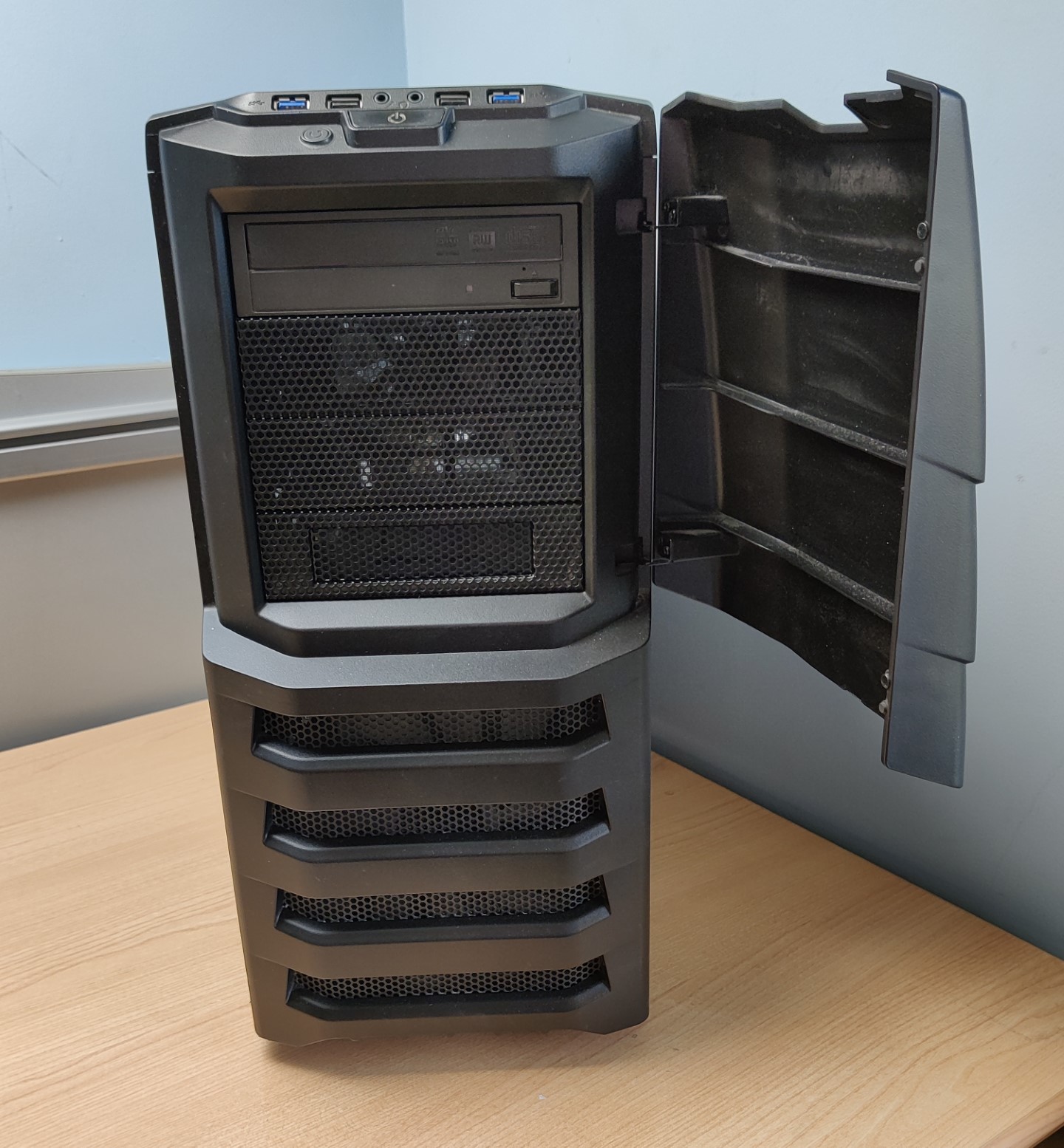
Back when I built my original LGA1366 dual Xeon workstation I built it into a Cooler Master CM Storm Enforcer case. I sold that case several years ago now, but a mint one came up for sale on eBay for a roughly what I sold mine for, and I bought it. It was in its original box, still had its original 200mm fan, and original PSU. It was a little dusty but cleaned up well.
The only thing missing were the rails for the internal HDD cages and, whilst I don’t actually need them, I ordered a set from AliExpress for £9.10 all-inclusive just for completeness, should I ever decide to sell the case again.
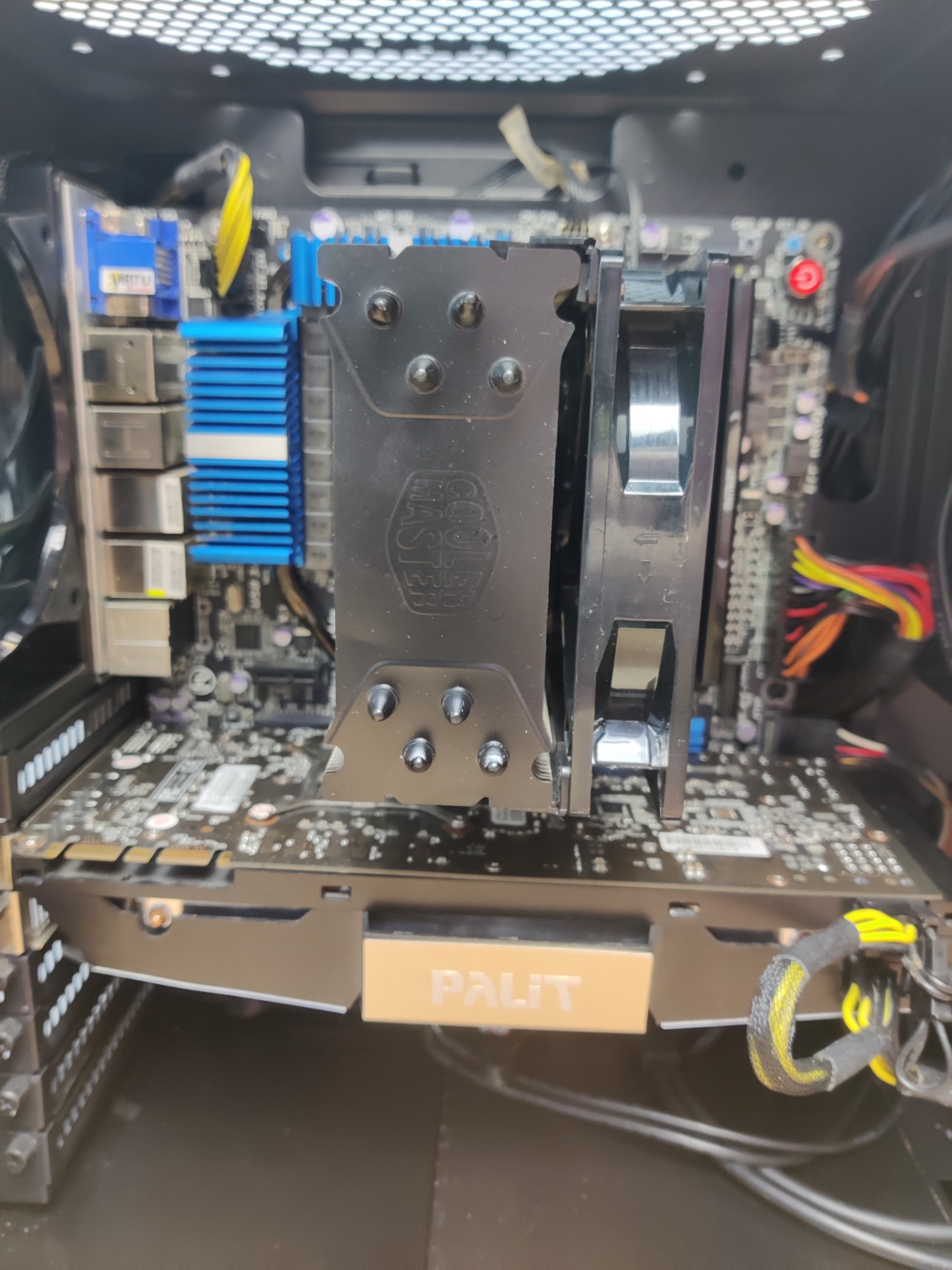
For the cooler I used one of the many Cooler Master Hyper 212 EVO coolers that I had in stock, but since the interior of the case is black I masked off the cooler and spray painted the top plate of the cooler black, which I think looks really good. I didn’t want to get the Black edition because a) that would have been additional expense, and b) it was not released until 2018.
For storage, I have owned a Kingston HyperX 3K SH103S3/240G SSD since new, and it still has plenty of health. Since this was released in April 2012 it was absolutely ideal.
Although I don’t particularly need an Optical Disc Drive, it’s period-correct to have one. I have a Sony Optiarc AD-7280S that I have owned from new. This is a DVD re-writer that was launched in January 2011 and my particular example has a manufacture date of June 2011.
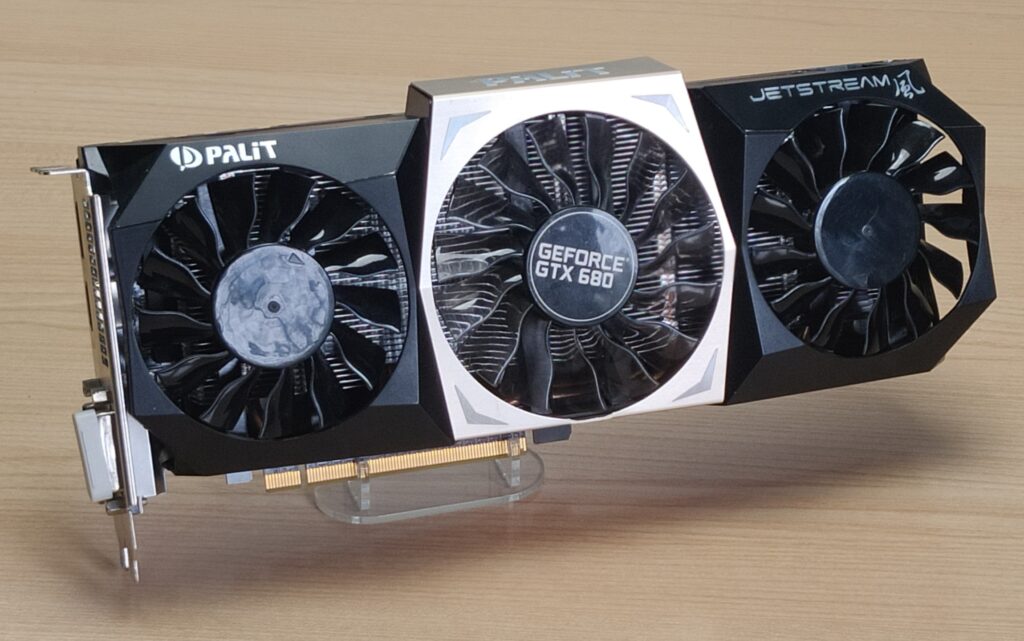
Finally, for graphics, I chose a Palit Jetstream GeForce GTX 680 2GB OC edition. This was one of the best nVidia graphics cards of 2012 if you ignore the insanely expensive GTX 690 and quite frankly I just didn’t want to spend that kind of money.
I did consider running two GTX 680 cards in SLI and, although this motherboard does support SLI, this particular example does not as the 2nd PCIe x16 slot is damaged (indeed, missing) due to an accident. On these motherboards the clip that holds the card into the slot is really strong, and the slot itself is really weak, so if you are not careful when removing a card from the slot you can simply rip out the entire plastic part of the slot, leaving just the metal contacts, with the plastic part still attached to the card. And that is exactly what I did.
It was beyond my ability to solder in a new one so instead I very carefully snipped off the contacts leaving what looks like an unpopulated slot. I think it looks fine.
At least it was the second PCIe x16 slot and not the first. I have seen one of these up for sale where the first slot has been similarly ripped out.
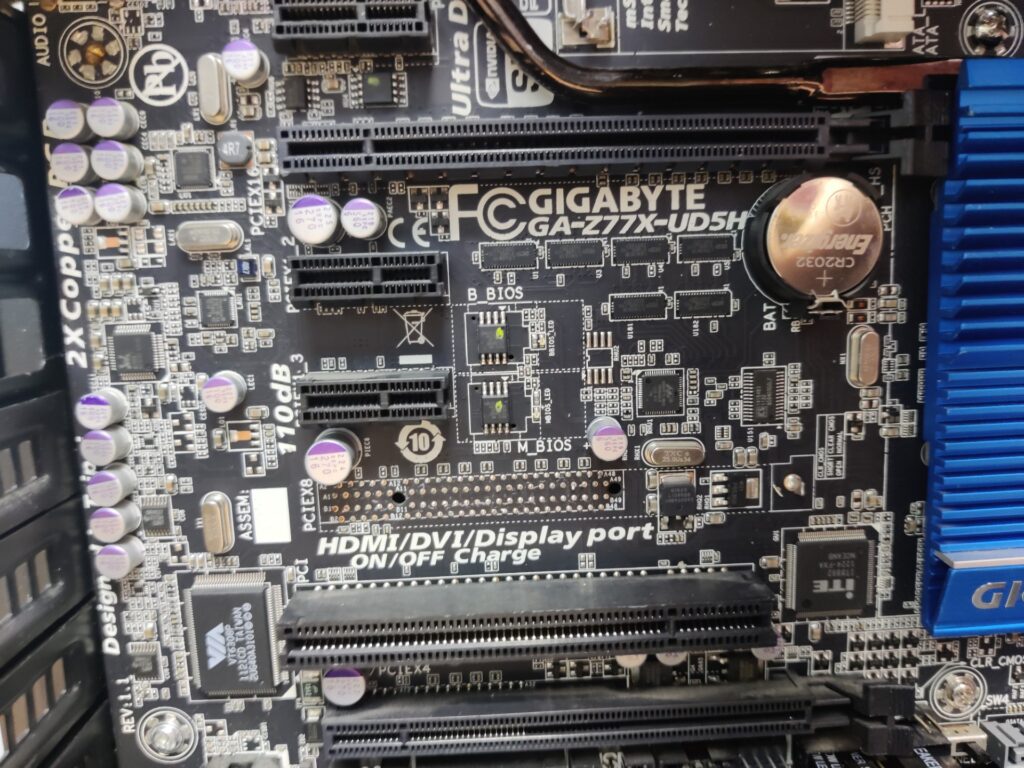
Missing PCIe x16 slot
I have another upcoming build where I will do SLI instead.
(Update: Now available here)
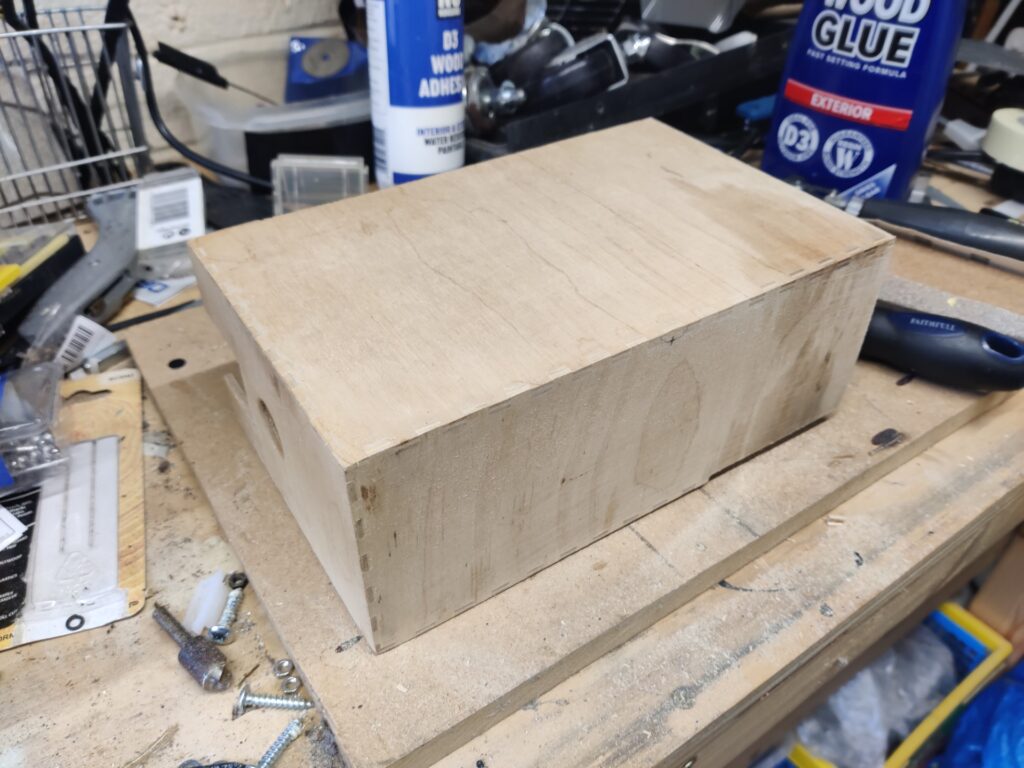
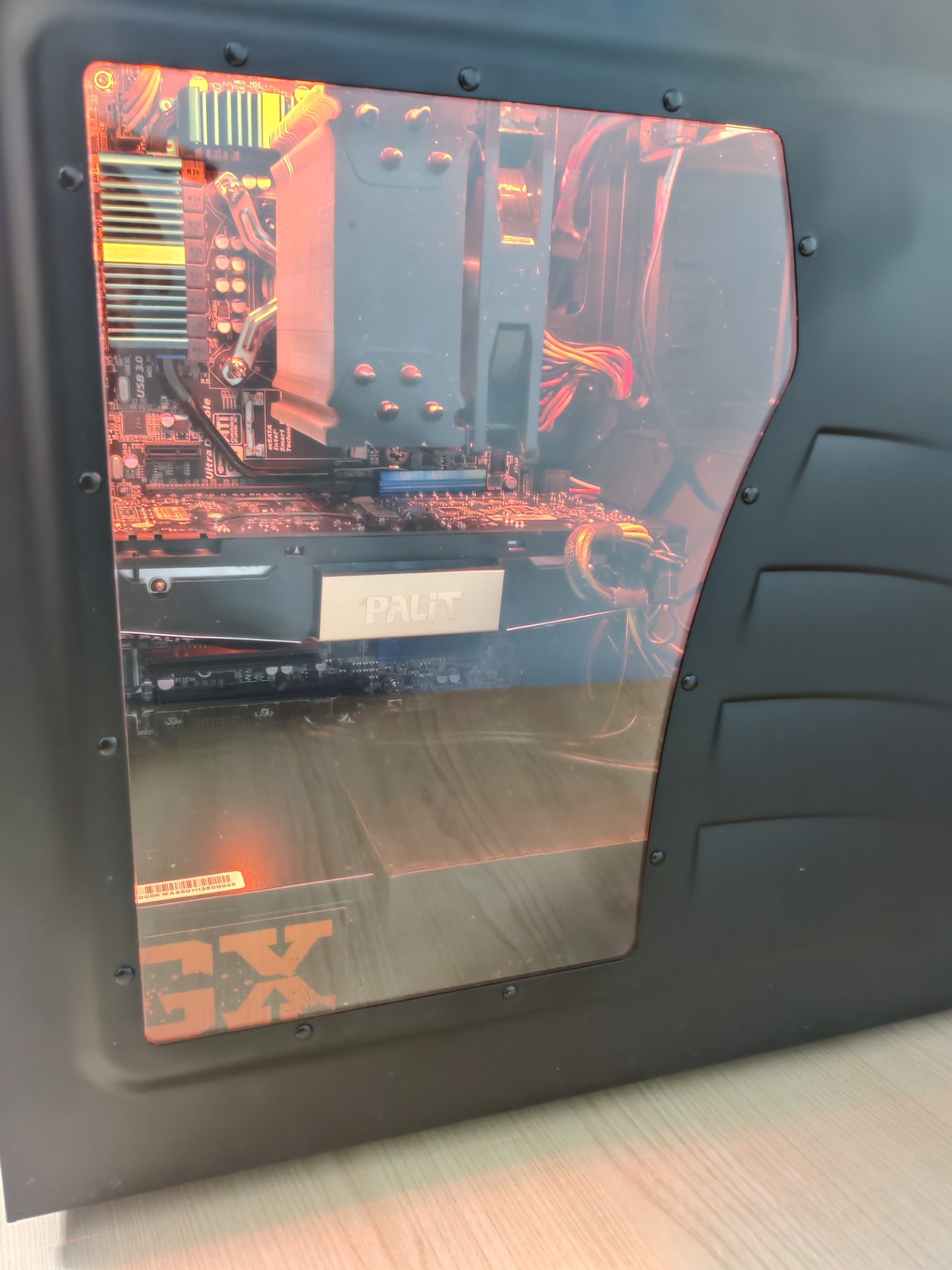
The build itself went very well. However, one thing that did annoy me was the lack of PSU shroud so I fabricated one out of an old wooden IKEA magazine rack which I cut down to size and spray painted black.
And so it was done.
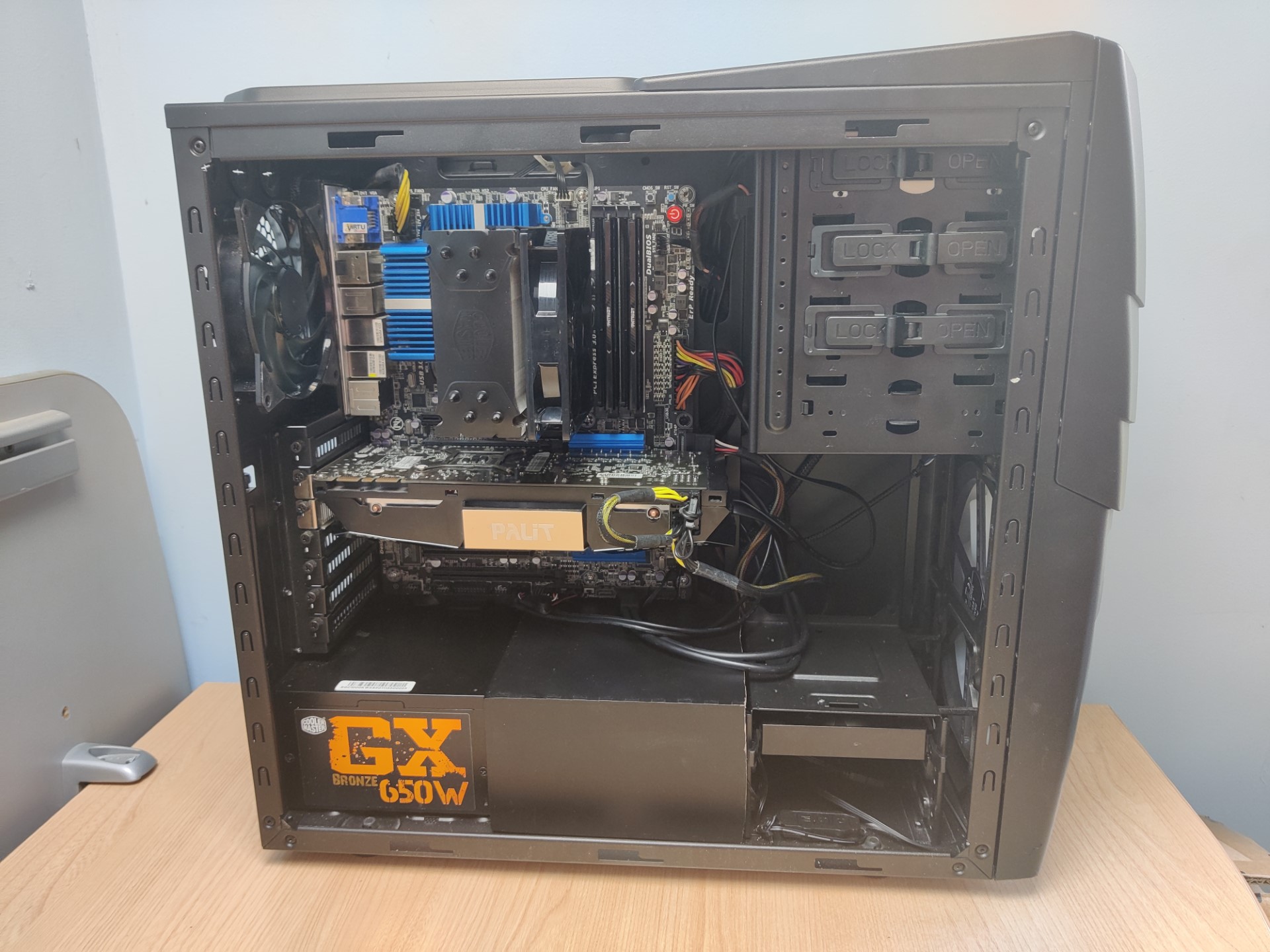
As you can see, the black top plate of the CPU cooler looks great!
For the OS, Windows 7 was released in 2009 and Windows 8.1 was released in late 2013, meaning that Windows 7 was the obvious choice for period-correctness. It installed onto the SSD without any fuss whatsoever.
Gigabyte still have all the drivers etc. for this board hosted on their website, so everything was absolutely smooth sailing.
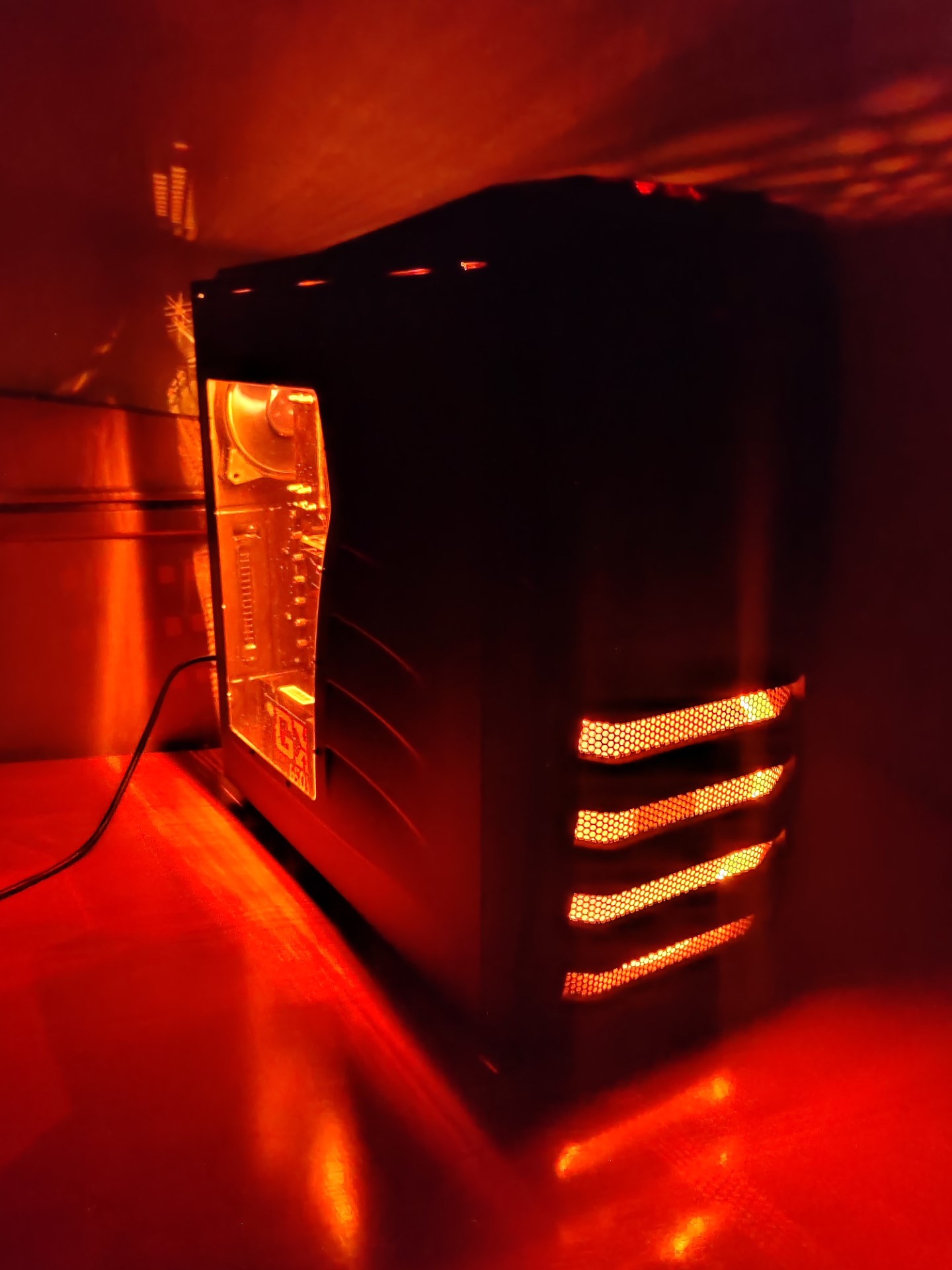
During testing, the original 200mm front fan failed. This was a clear fan with fixed red LED, and these are no longer available. What I did instead was to purchase a modern 200mm RGB fan and a small inline RGB controller, and then set the fan to static red.
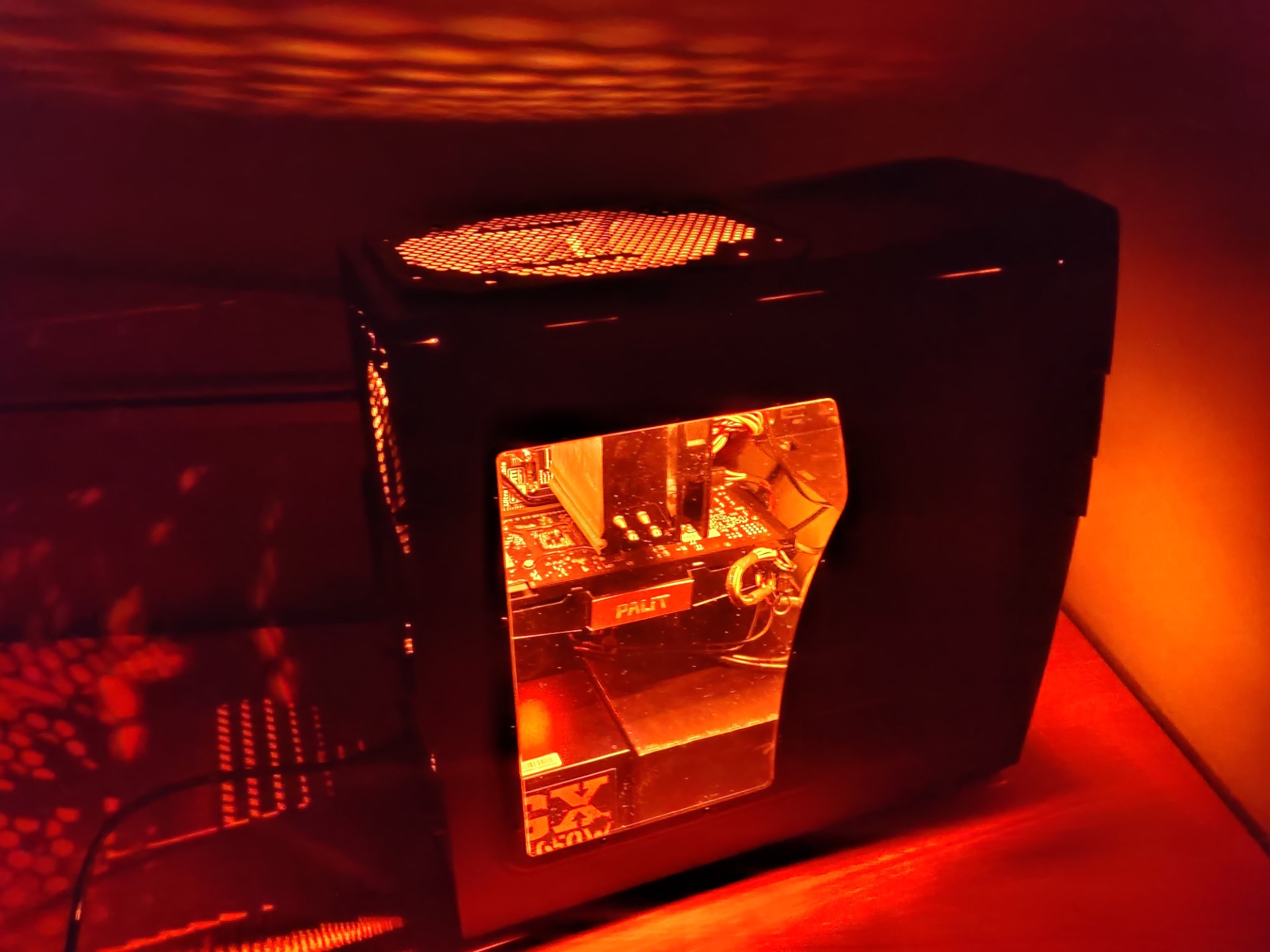
I also put some LED strips in the case, run off the same controller, so that they are also static red. This goes really well with the red & black aesthetic of the case although I know it doesn’t really go with the blue accents of the motherboard. I can always disable them if I wish though.
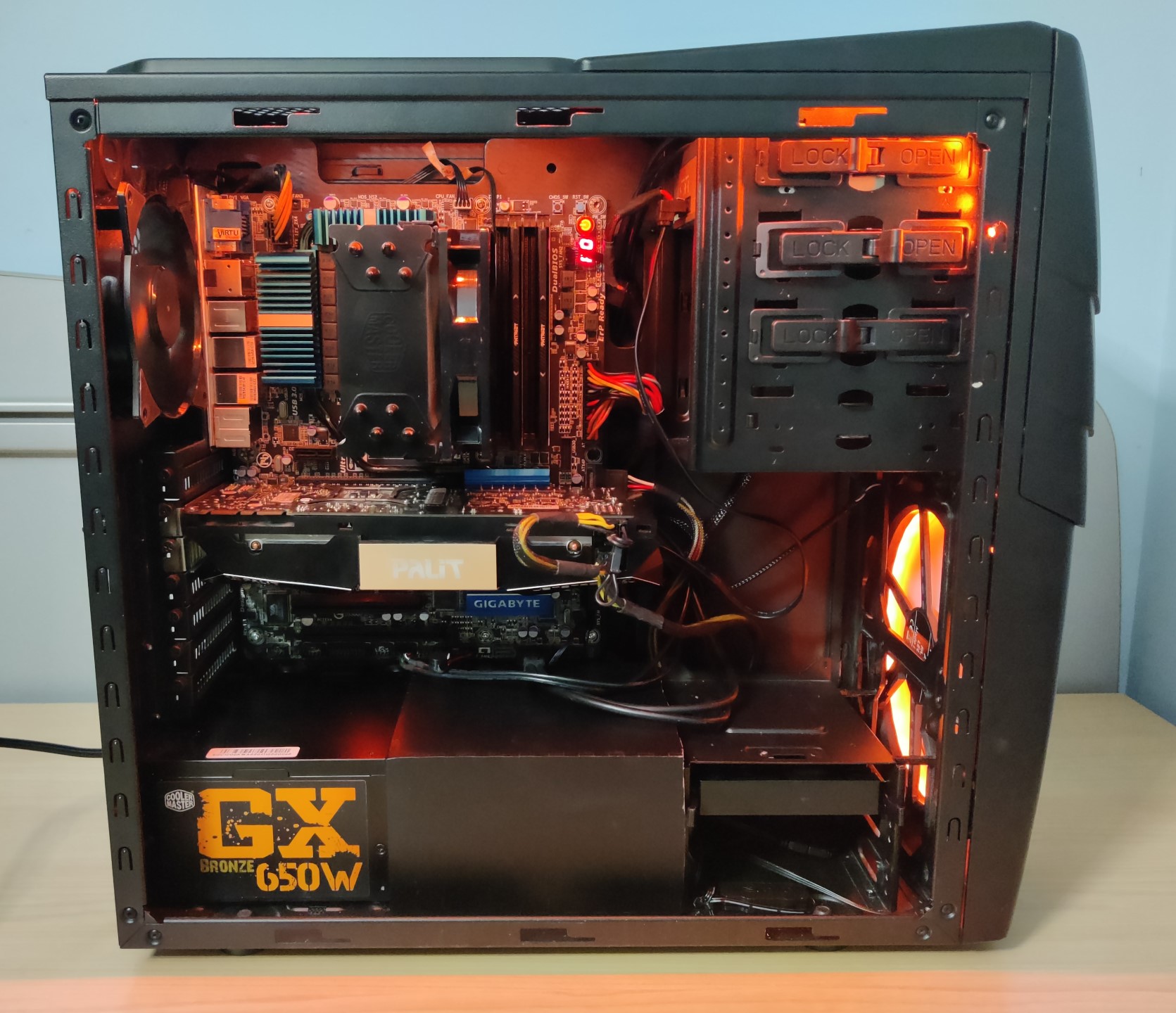
Then all that was needed to finish was to put the windowed side panel on, and we were done.
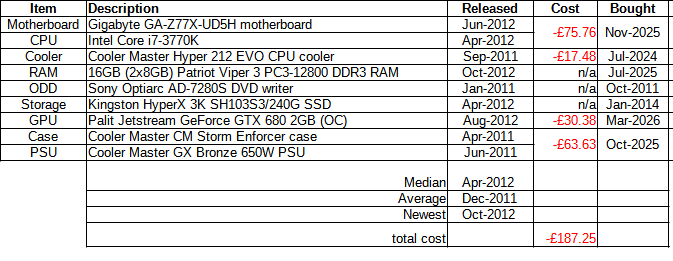
Finally, here are the costs. I have not costed things that I already owned as they are effectively amortised.

Pingback: 2014 Z97 Retro Computing PC build "MissyMSI" - Data Hamster